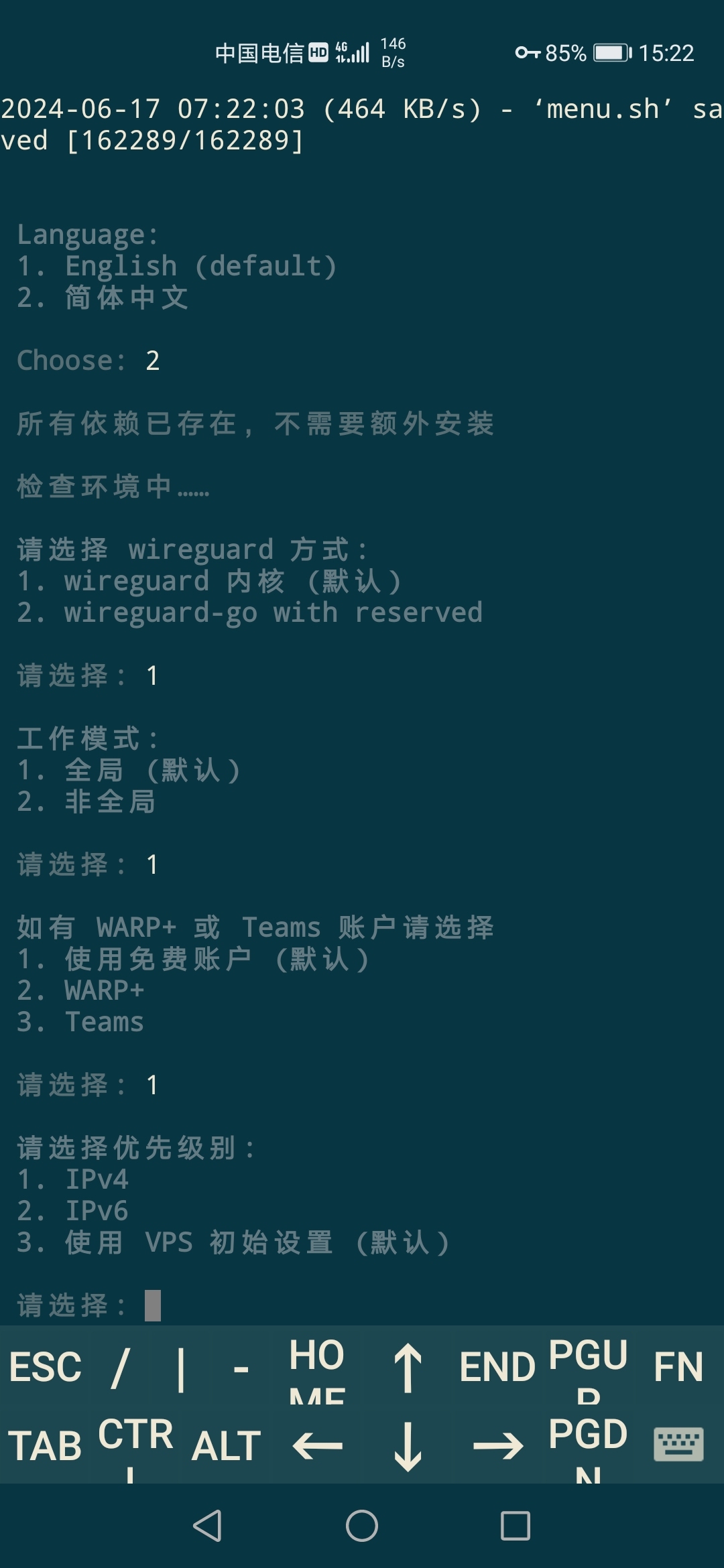
1、服务器先安装warp,使用一键脚本:
wget -N https://gitlab.com/fscarmen/warp/-/raw/main/menu.sh && bash menu.sh d
安装以及其他功能参考脚本作者说明:https://gitlab.com/fscarmen/warp
2、建立nginx 配置文件
cd /opt
mkdir nginx
touch nginx/ipv6.conf
配置文件内容如下:
server {
        merge_slashes off;
        listen 7000; #代理端口
        server_name _;
        location ~ ^/(https?)://([^/]+)/ {
            set $realscheme $1;
            set $realhost $2;
            rewrite ^/(https?://[^/]+)/(.*) /$2 break;
            proxy_pass $realscheme://$realhost;
            proxy_set_header Host $realhost;
            proxy_set_header X-Forwarded-Host $realhost;
            proxy_set_header X-Forwarded-Proto $realscheme;
            proxy_set_header X-Path-Style true;
            proxy_redirect ~^(https?://.+) /$1;
        }
    }
3、使用下面命令启动 nginx,网络模式使用host,可以省去设置docker的ipv6网络
docker run -d --name=pixman-nginx --network host -v /opt/nginx:/etc/nginx/conf.d --restart=always nginx
4、最后用服务器ip+端口7000+ipv6源地址可以正常观看直播
http://ip:7000/http://[2409:8087:5e00:24::1e]:6060/200000001898/460000089800010144/1.m3u8