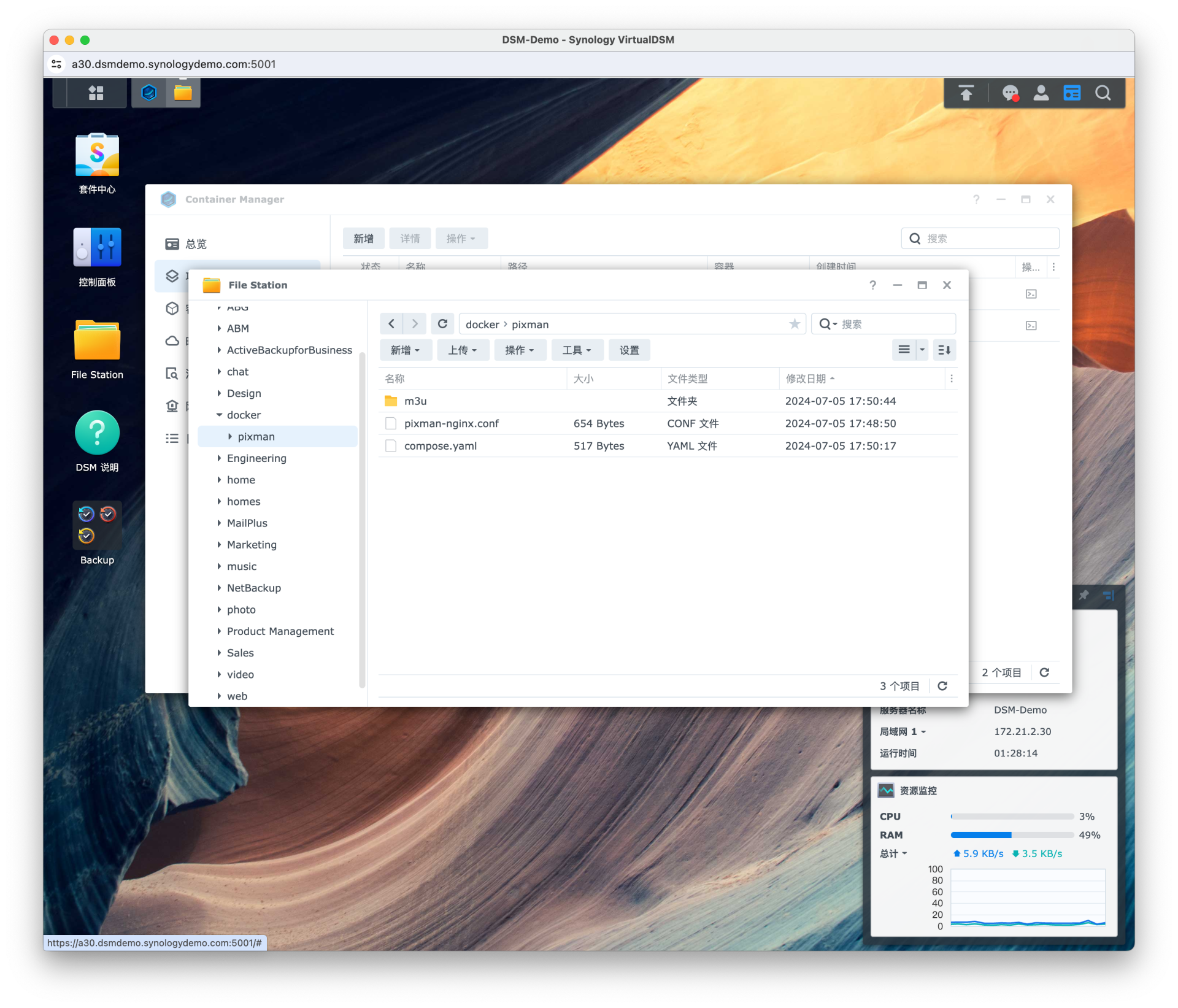
以下演示均在 Synology DSM Demo 操作,Demo 演示地址 https://demo.synology.com/zh-hk/dsm
在 File Station 打开 docker 目录 (其他目录也可以),新建一个 pixman 文件夹,分别创建以下文件和文件夹
compose.yaml (environment ports 等参数根据实际情况修改)
services:
pixman:
image: pixman/pixman:latest
restart: always
container_name: pixman
environment:
- http_proxy=http://192.168.50.50:7890
- https_proxy=http://192.168.50.50:7890
- MYTVSUPER_TOKEN=YOUR_TOKEN
ports:
- 5050:5000
volumes:
- ./m3u:/app/app/data/m3u
pixman-nginx:
image: nginx:latest
restart: always
container_name: pixman-nginx
ports:
- 8000:8000
volumes:
- ./pixman-nginx.conf:/etc/nginx/conf.d/pixman-nginx.conf
pixman-nginx.conf
server {
listen 8000 default_server;
resolver 223.5.5.5;
location ~ ^/tptv/(?<path>.*) {
set $ua 'okhttp/3';
if ($arg_ua) {
set $ua $arg_ua;
}
set $target_url http://tptvo.mobaibox.com/$path$is_args$args;
proxy_pass $target_url;
proxy_set_header User-Agent $ua;
}
location ~ ^/(?<cdn>ystenlive|bestlive|wasulive|fifalive|hnbblive)(?<path>.*) {
set $target_url http://pixman.io.$cdn.dnsany.com$path$is_args$args;
proxy_pass $target_url;
proxy_set_header Host cache.ott.$cdn.itv.cmvideo.cn;
}
location / {
return 200 'ok';
}
}
m3u 目录是为了统一管理其他直播源列表,将 .m3u 文件放入即可。
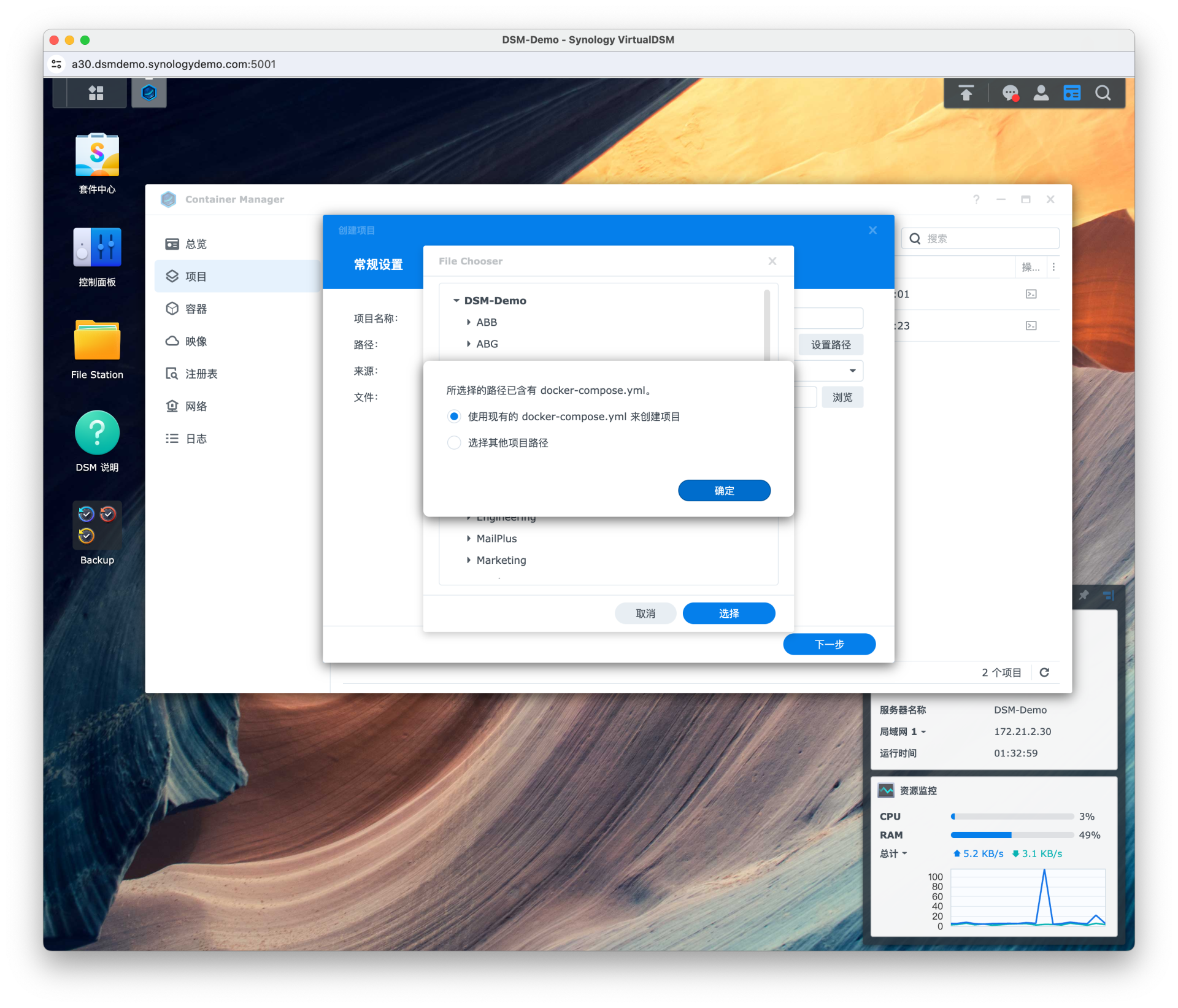
打开套件 Container Manager,新增项目,项目名称随便写,路径选择 docker/pixman,因为我们已经预先创建好了 compose.yaml 文件,所以选择 使用现有的 docker-compose.yml 来创建项目。
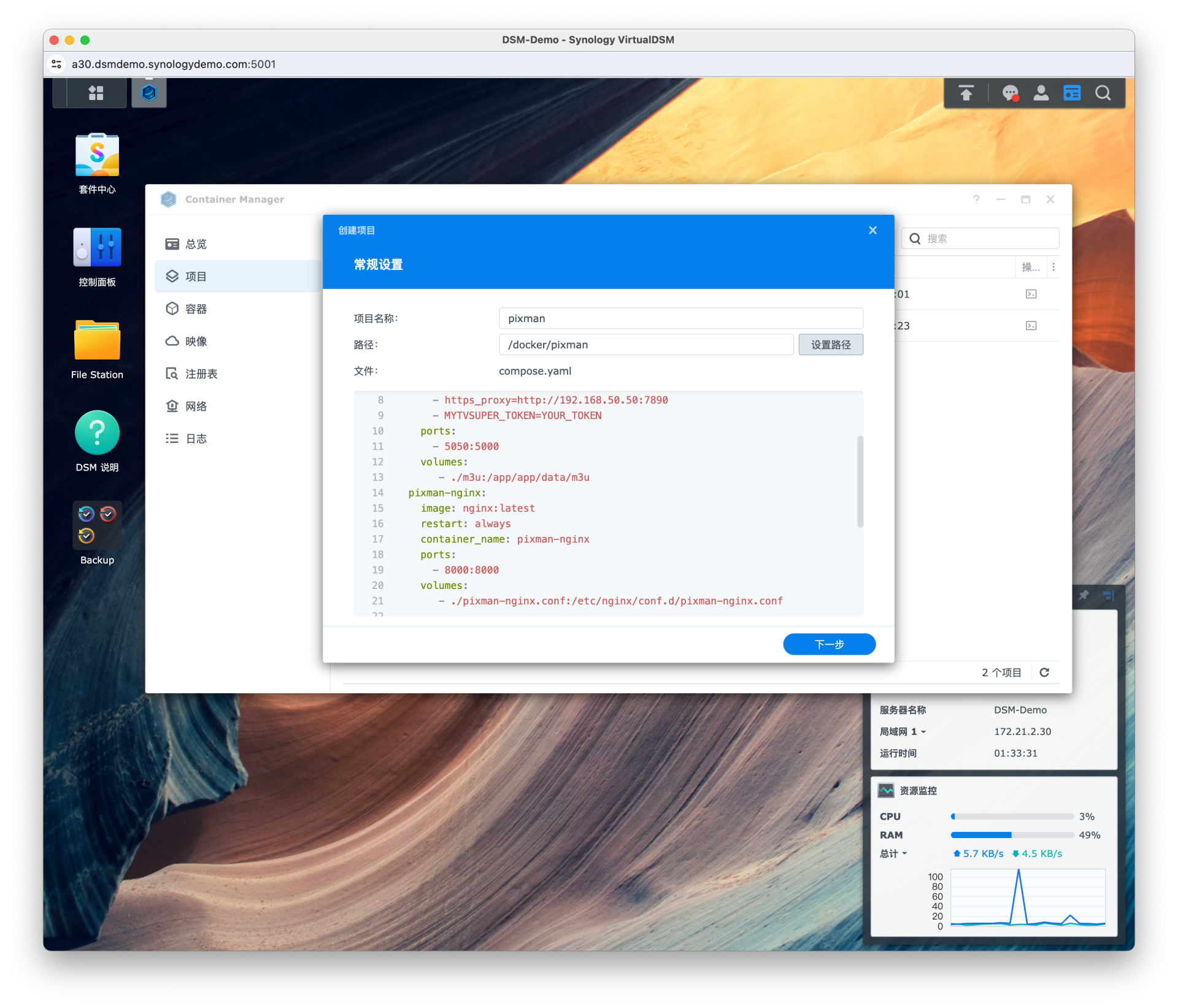
然后点击下一步,网站门户设置可以不管,点击完成,等待项目构建
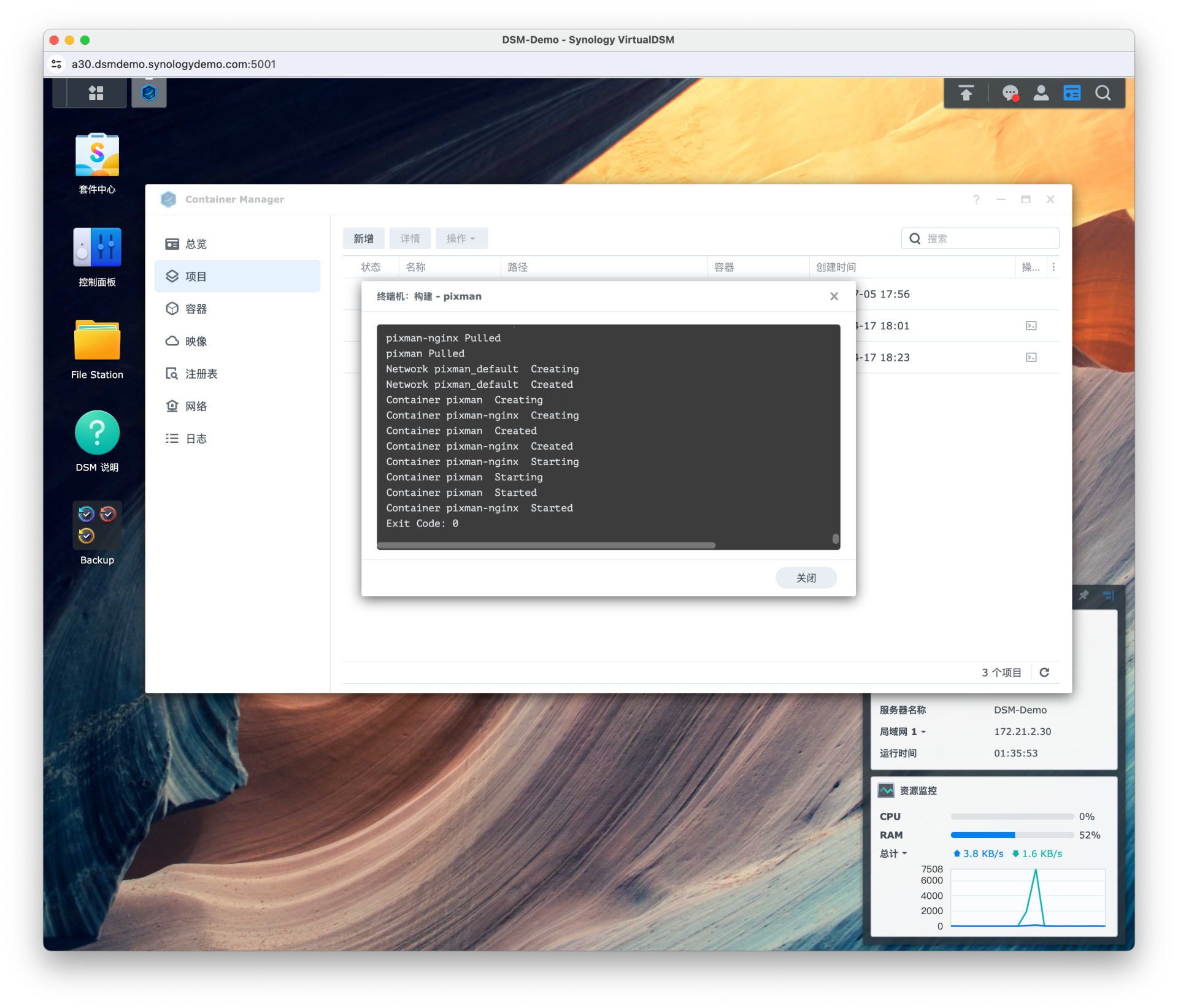
在构建的时候可能遇到 pull 失败的情况,参考文章 为群晖 Container Manager 配置代理 。
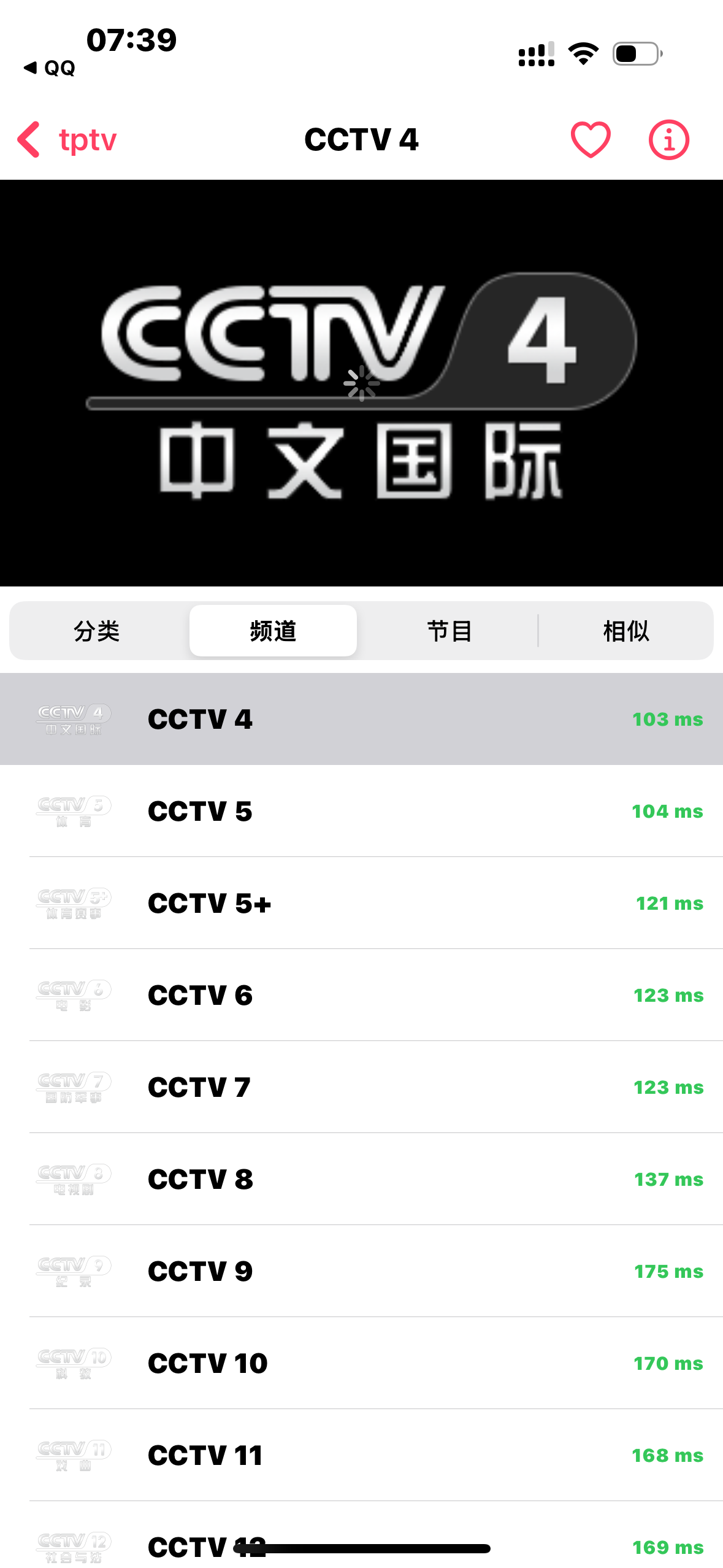
构建完成后查看项目详细数据,使用 http://群晖ip:5050/tptv_proxy.m3u?server=群晖ip:8000 即可订阅 TPTV 直播源,其他同理。
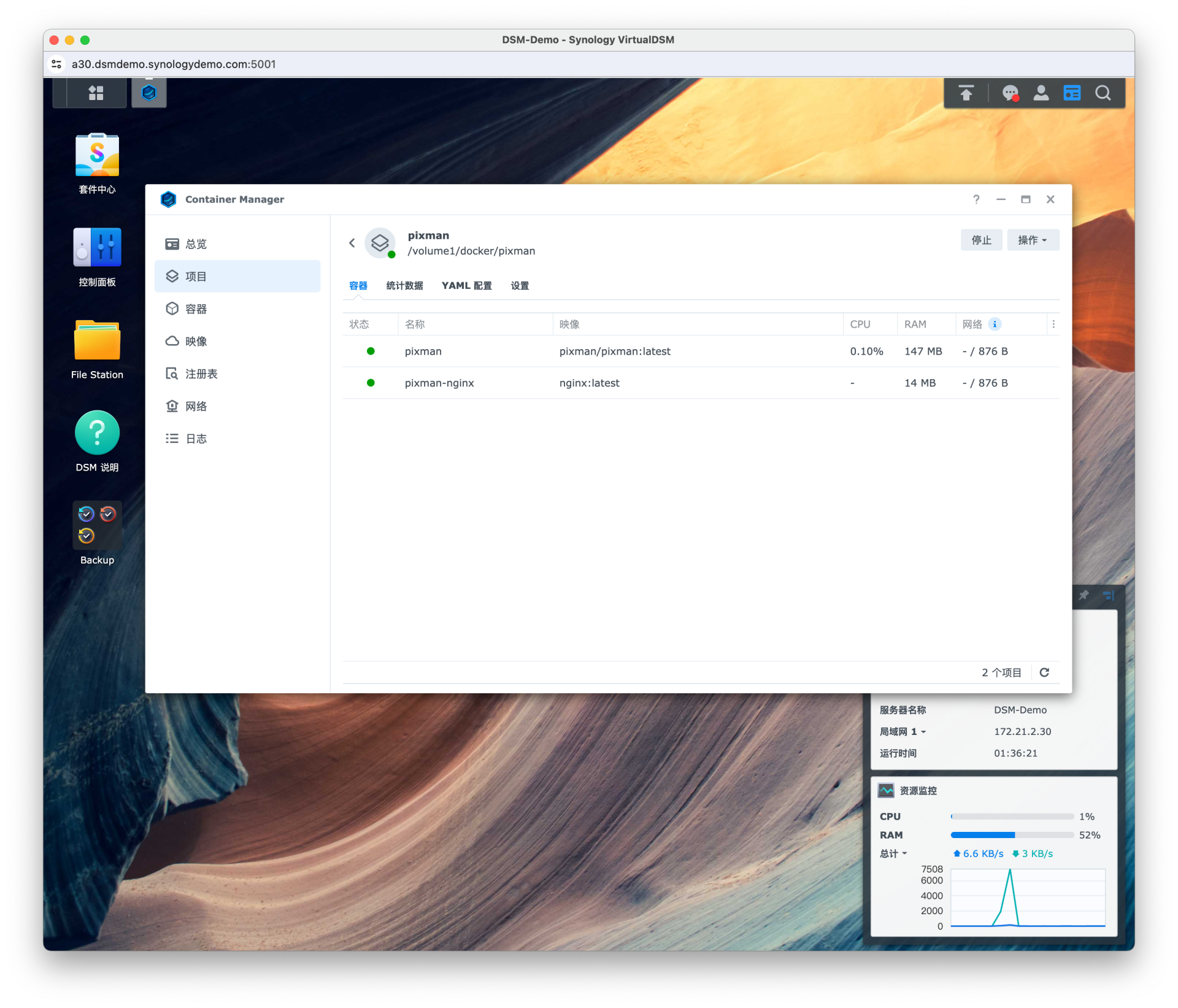
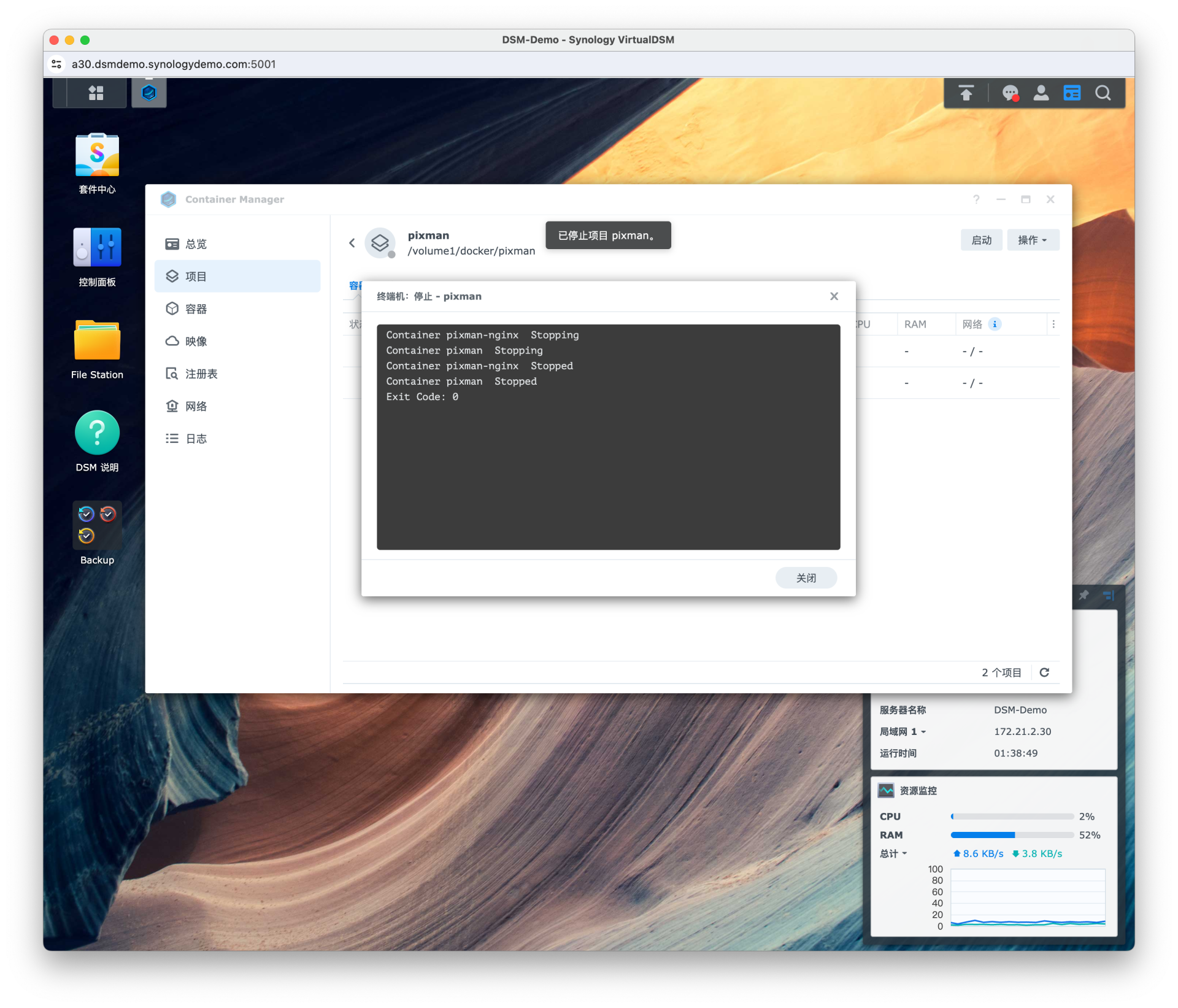
当镜像有新版本的时候,首先停止项目

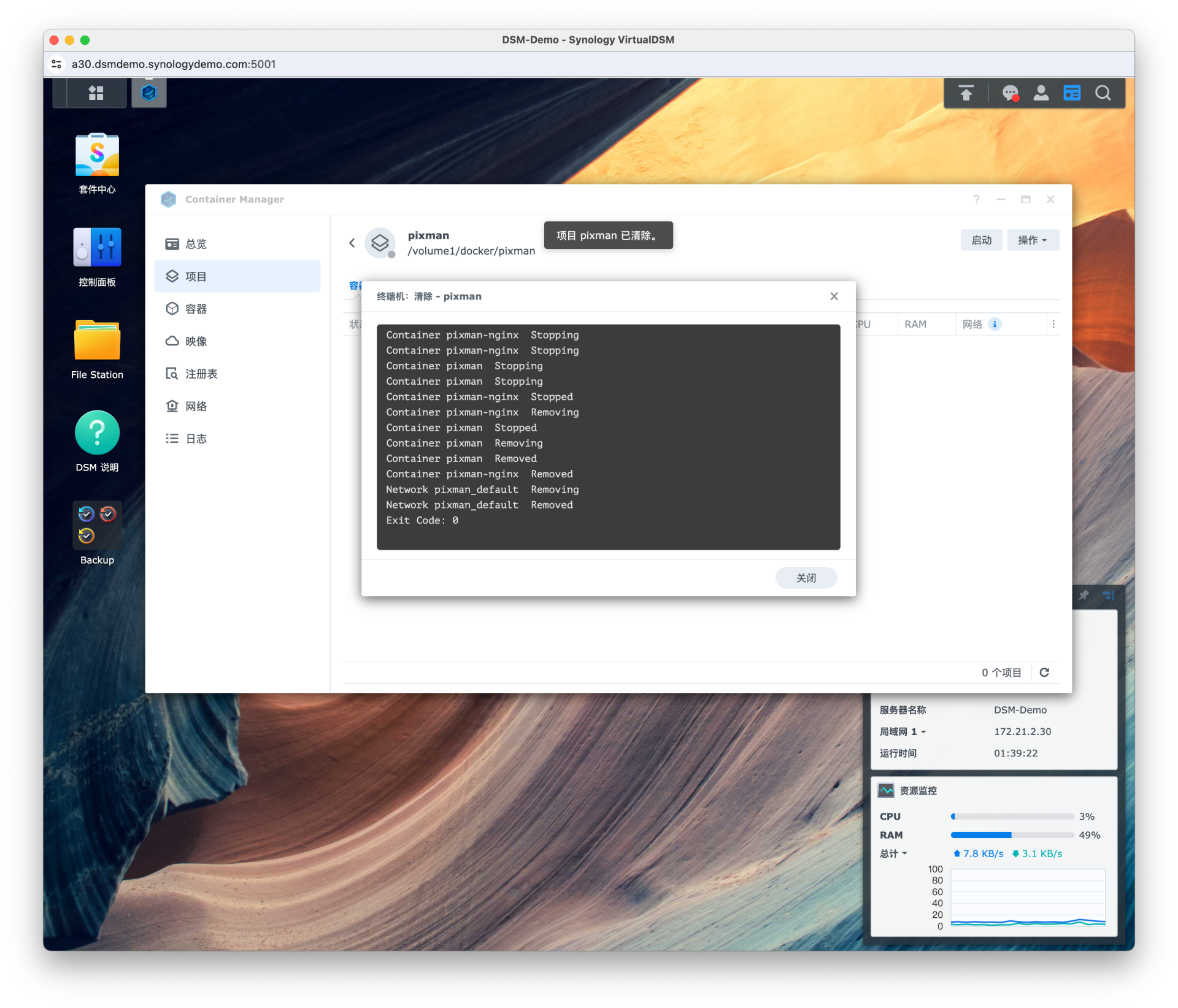
然后在 操作 - 清除 来删除容器和创建的网络
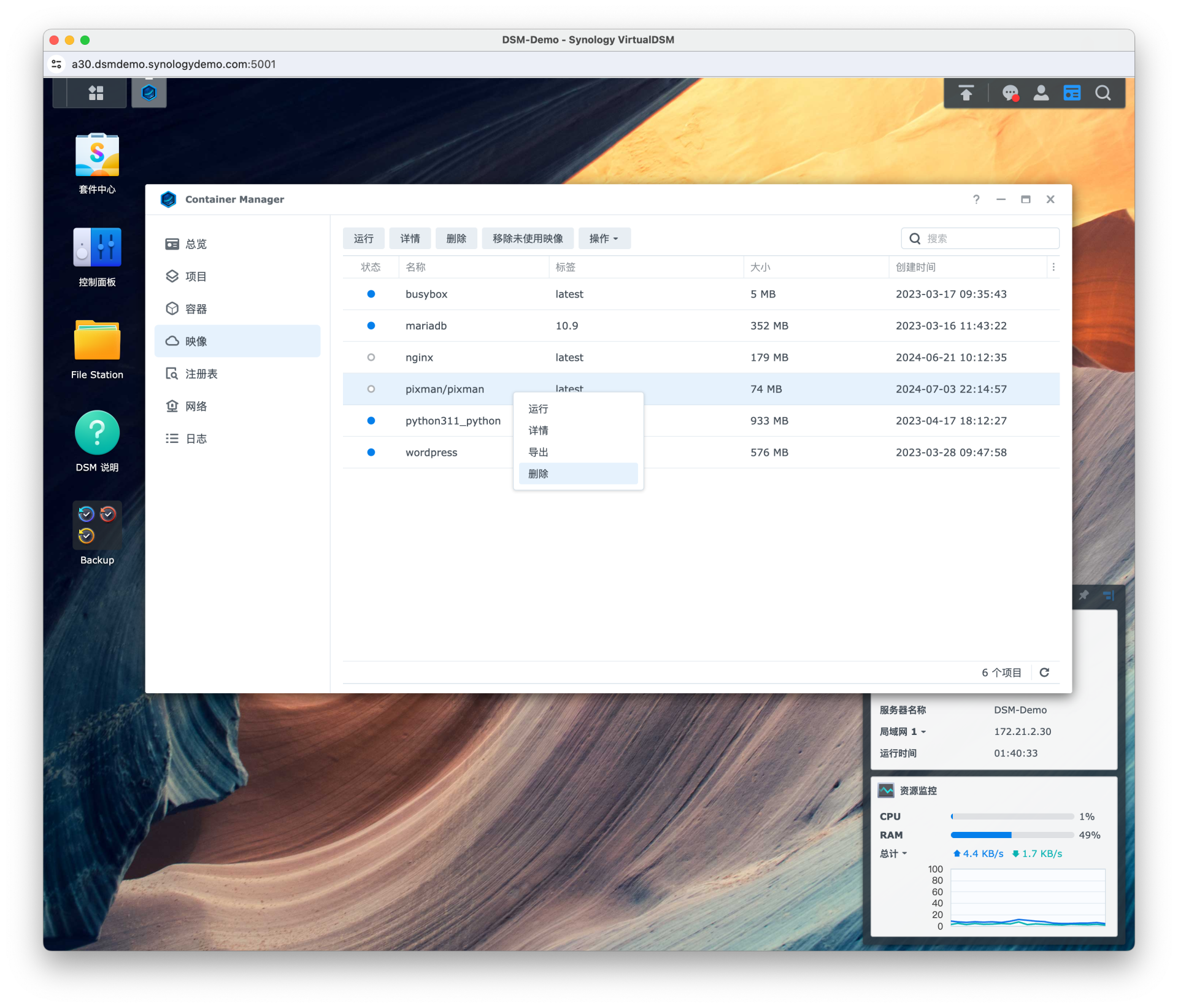
前往 映像 删除 pixman/pixman
在 项目 pixman 操作选择构建
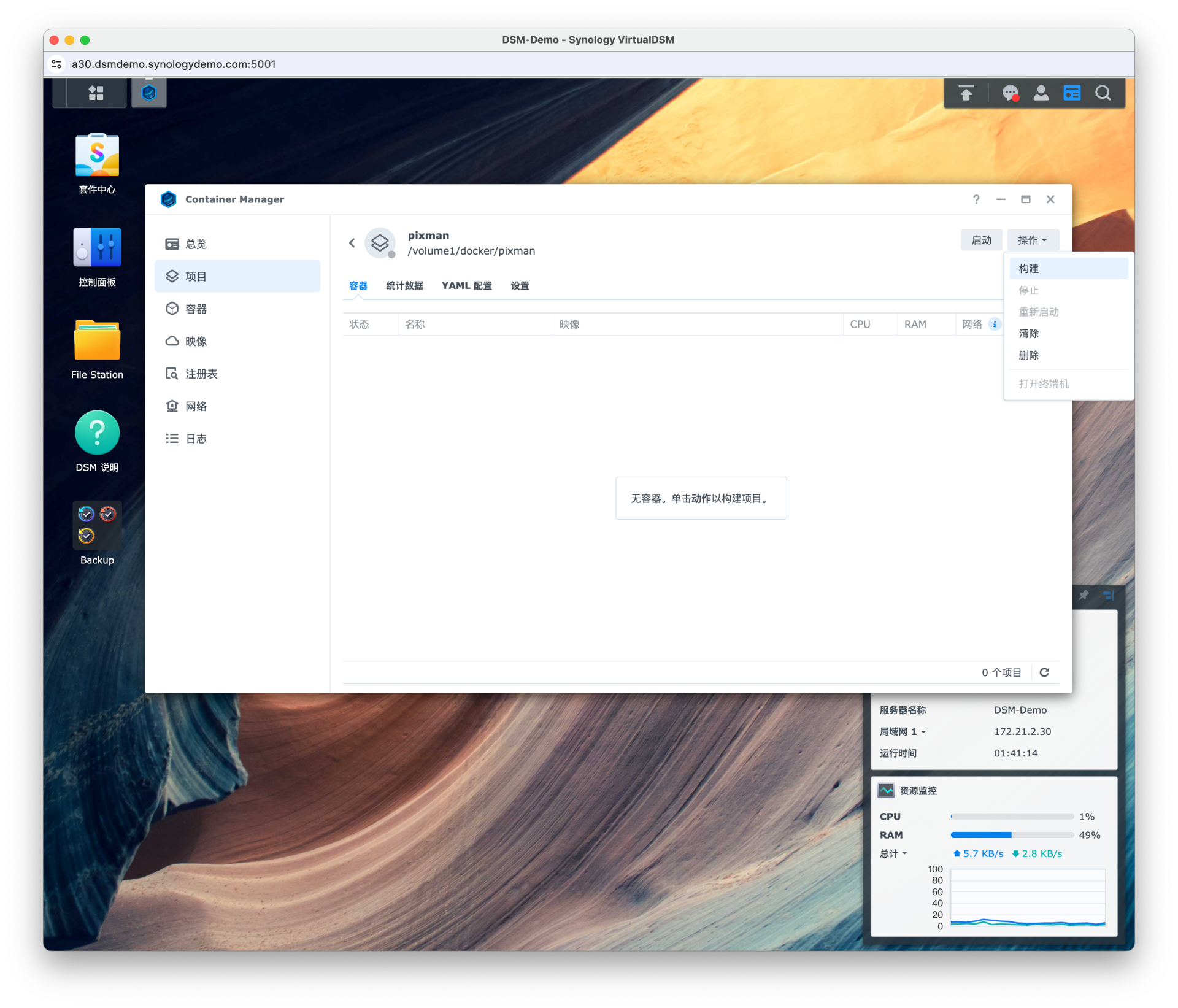
更新完成
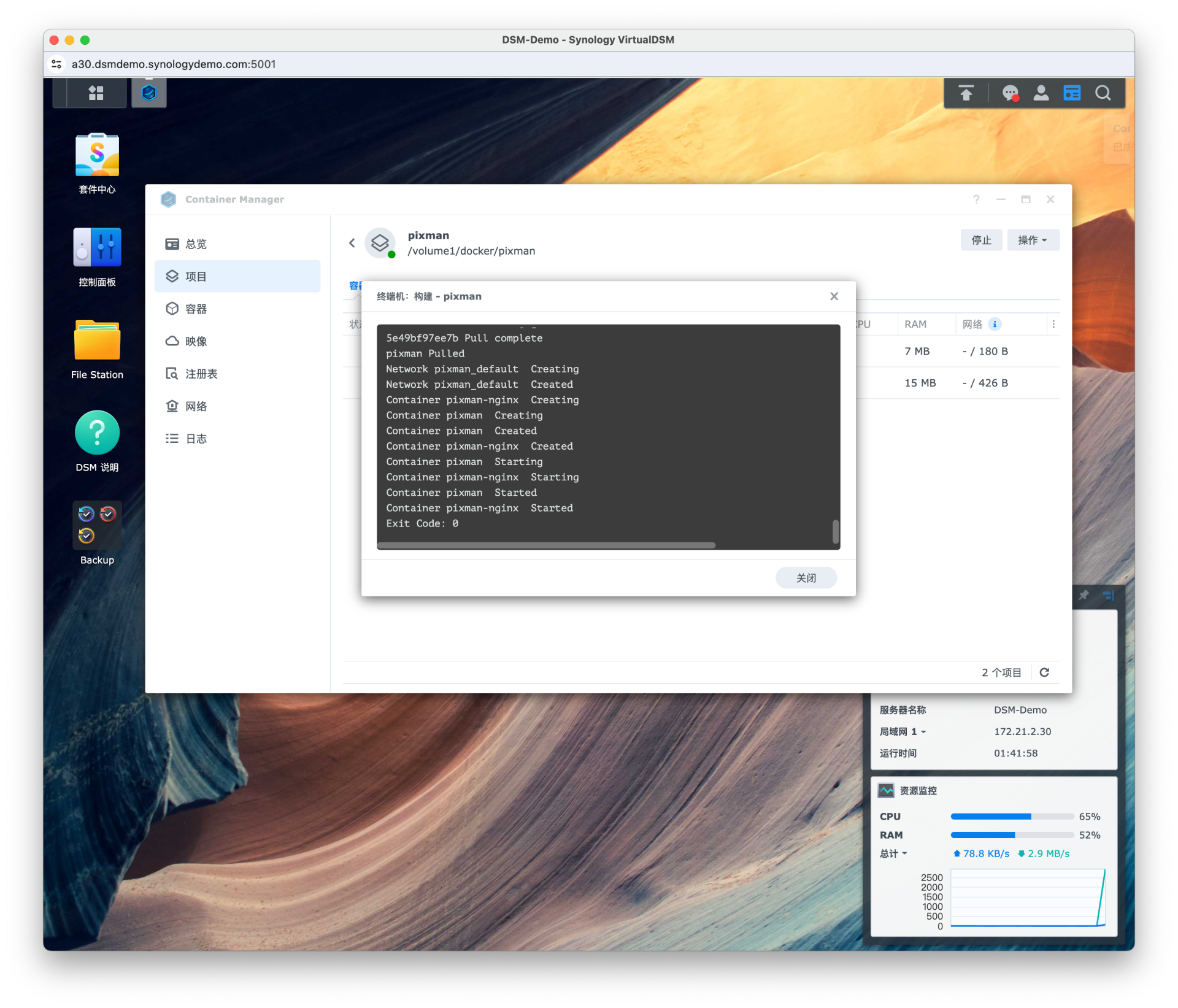
以上操作都在网页端完成,如果你熟悉 Linux 操作,也可以直接 SSH 到群晖的终端来部署。

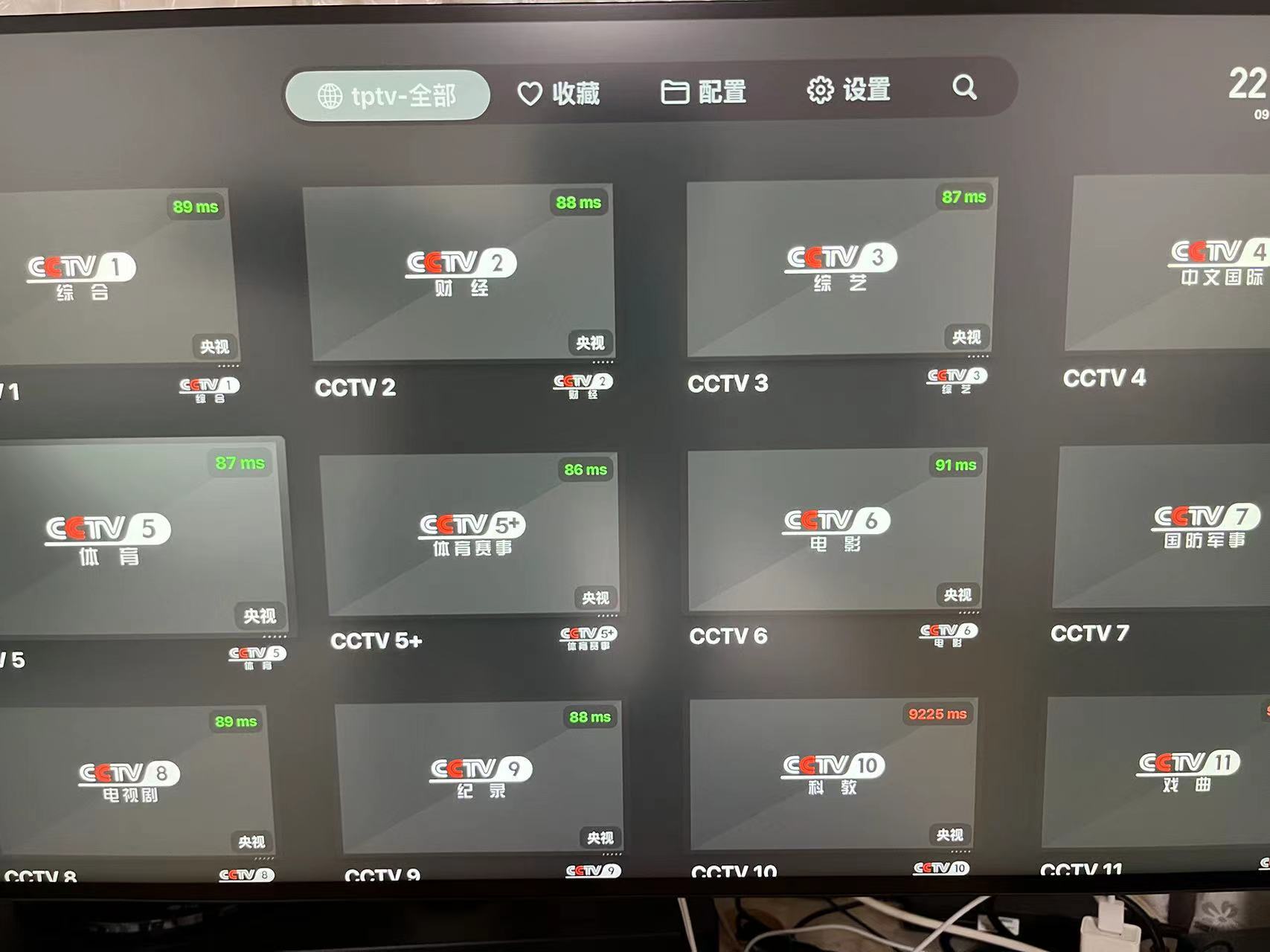
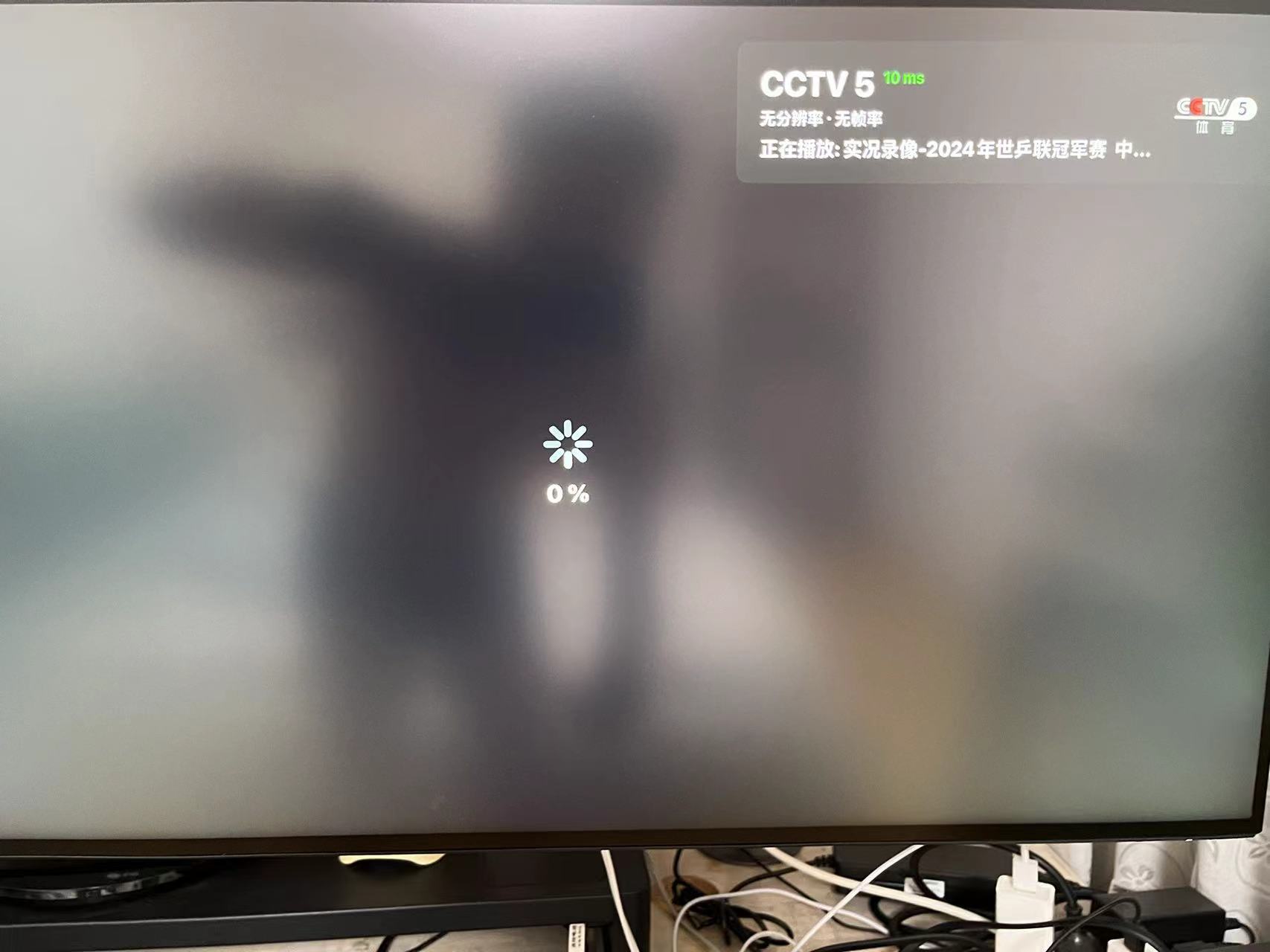
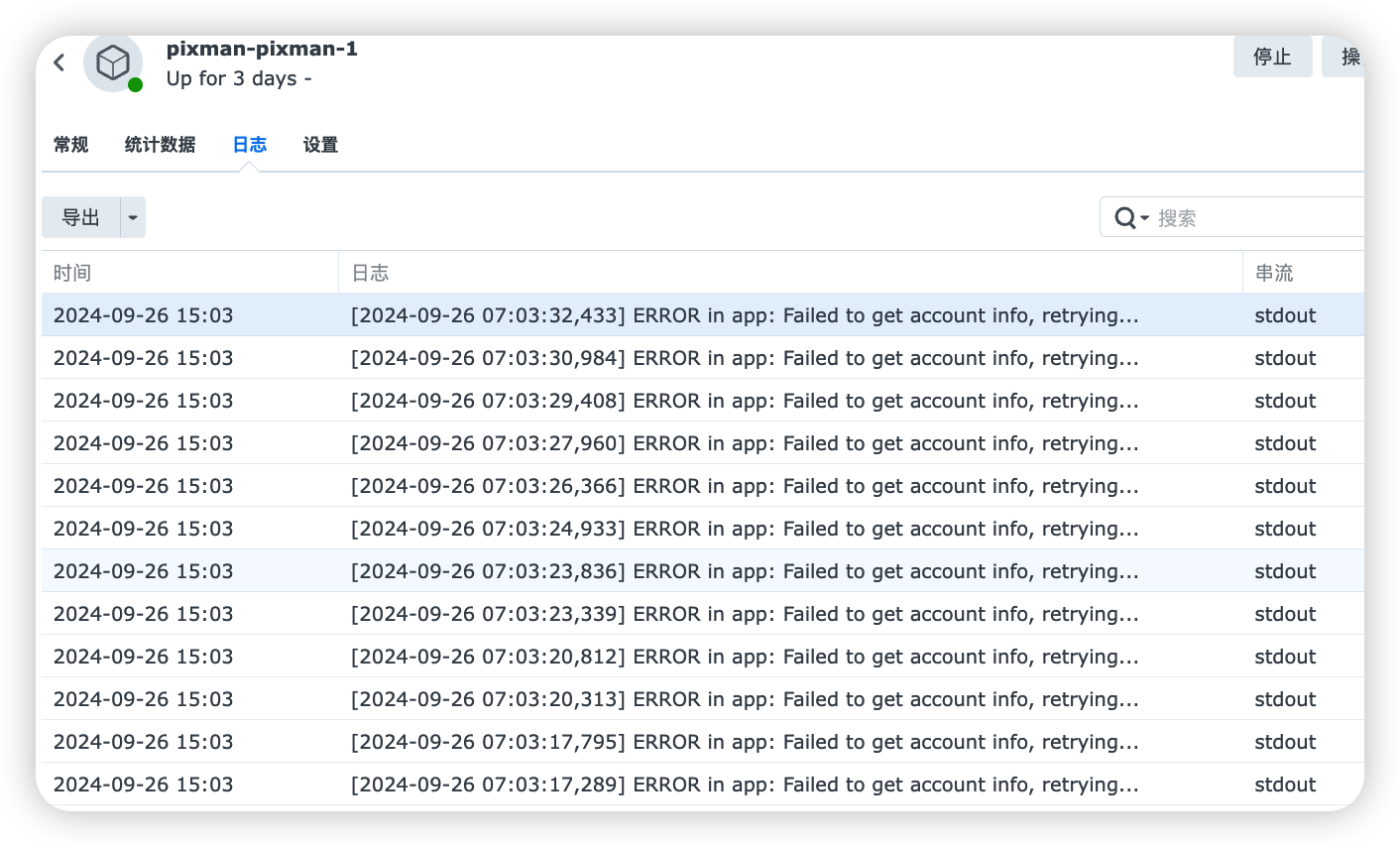
博主你好,我是使用docker的UI界面安装的。安装好了之后,aptv订阅地址之后有列表出现,但是点击具体某个电视频道时无法播放。在pixman的docker日志中报错:[2024-09-26 07:03:23,339] ERROR in app: Failed to get account info, retrying... 请问是什么原因?


我创建好了,把m3u这个http://群晖ip:5050/tptv_proxy.m3u?server=群晖ip:8000放到tivimate里面 能读取频道,但是播放不了
看了下pixman的日志 提示 ERROR in app: Failed to get account info, retrying...

今天测试了下xxx:port/tptv.m3u,导入到aptv里面 能读取频道,但是播放不了
[2024-10-07 13:44:03,053] ERROR in app: Failed to get account info, retrying...
[2024-10-07 23:39:11,302] ERROR in app: Failed to get account info, retrying...
[2024-10-07 23:39:11,576] ERROR in app: Failed to get account info, retrying...
[2024-10-07 23:39:11,695] ERROR in app: Failed to get account info, retrying...
[2024-10-07 23:39:14,394] ERROR in app: Failed to get account info, retrying...
[2024-10-07 23:39:14,660] ERROR in app: Failed to get account info, retrying...
[2024-10-07 23:39:14,783] ERROR in app: Failed to get account info, retrying...
[2024-10-07 23:39:17,476] ERROR in app: Failed to get account info, retrying...
[2024-10-07 23:39:17,745] ERROR in app: Failed to get account info, retrying...
[2024-10-07 23:39:17,869] ERROR in app: Failed to get account info, retrying...
[2024-10-07 23:39:21,133] ERROR in app: Failed to get account info, retrying...
[2024-10-07 23:39:24,215] ERROR in app: Failed to get account info, retrying...
[2024-10-07 23:39:27,300] ERROR in app: Failed to get account info, retrying...
[2024-10-07 23:39:32,581] ERROR in app: Failed to get account info, retrying...
[2024-10-07 23:39:32,582] ERROR in app: Failed to get account info, retrying...
[2024-10-07 23:39:35,674] ERROR in app: Failed to get account info, retrying...
[2024-10-07 23:39:35,676] ERROR in app: Failed to get account info, retrying...
[2024-10-07 23:39:37,671] ERROR in app: Failed to get account info, retrying...
[2024-10-07 23:39:38,765] ERROR in app: Failed to get account info, retrying...
[2024-10-07 23:39:38,766] ERROR in app: Failed to get account info, retrying...
[2024-10-07 23:39:40,759] ERROR in app: Failed to get account info, retrying...
[2024-10-07 23:39:43,841] ERROR in app: Failed to get account info, retrying...
今天更新了最新版的pixman镜像, 还是遇上如下错误log ( 例如4gtv 里面的history 频道(第126频道)打不开 , 可是民视(第一频道)则没有问题 )
2024-12-14 02:21:38,268] ERROR in app: Request failed: 530 Server Error: for url: http://pixman.io.itv.dnsany.com/000000001000/6000000001000015875/1.m3u8?channel-id=wasusyt&Contentid=6000000001000015875&livemode=1&stbId=3&version=1.0&owaccmark=6000000001000015875&owchid=wasusyt&owsid=7306791734142897630&AuthInfo=YkXQEaGDc4dXaTNF8ojswi8QguT3kySfkGERftvAPjt8yuqPNpBy5R%2Bet0TuidiKkaC1CDRTDpGd96X6vdHIsg%3D%3D, retrying...
[2024-12-14 02:21:38,269] ERROR in app: Request failed after retrying
感谢指导