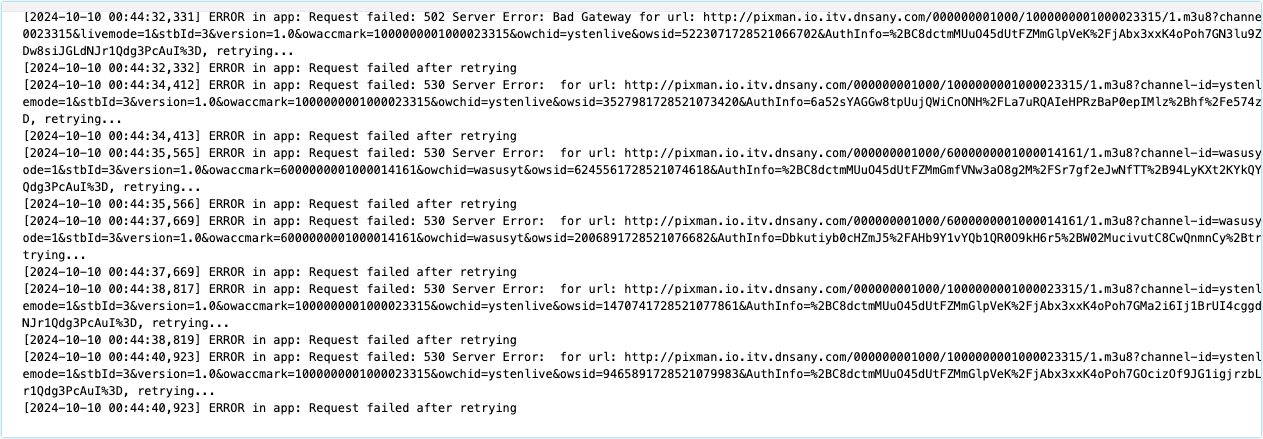
Update:
小白或者不想折腾的用户可以直接使用 http://ip:port/itv_proxy.m3u 订阅,无需 nginx 或者 dns 配置,流量全部经过 pixman 代理,这种方式建议运行在家中内网设备上。
下面的方法需要一些动手能力,根据你的情况来选择。
中国移动 iTV 平台目前可用的直播系列有以下几种:
- bestzb 百视通
- FifastbLive 咪视通
- hnbblive 咪咕视讯
- wasusyt 华数
- ystenlive 易视腾
对应的 m3u8 域名为: gslbserv.itv.cmvideo.cn,访问后会 302 跳转到 cache.ott.{CHANNEL_ID}.itv.cmvideo.cn 这样的域名。
而 cache.ott 开头的这个域名在非移动网络下会被解析到 1.1.1.1 这个 cloudflare 的 dns 服务 ip,所以无法访问,但是我们可以手动将这个域名映射到移动网络下响应的 CDN 节点 ip,然而这样带来的一个新问题就是 ip 可能会变动,当很多人使用同一个 ip 可能会导致此 CDN 节点负载太高。
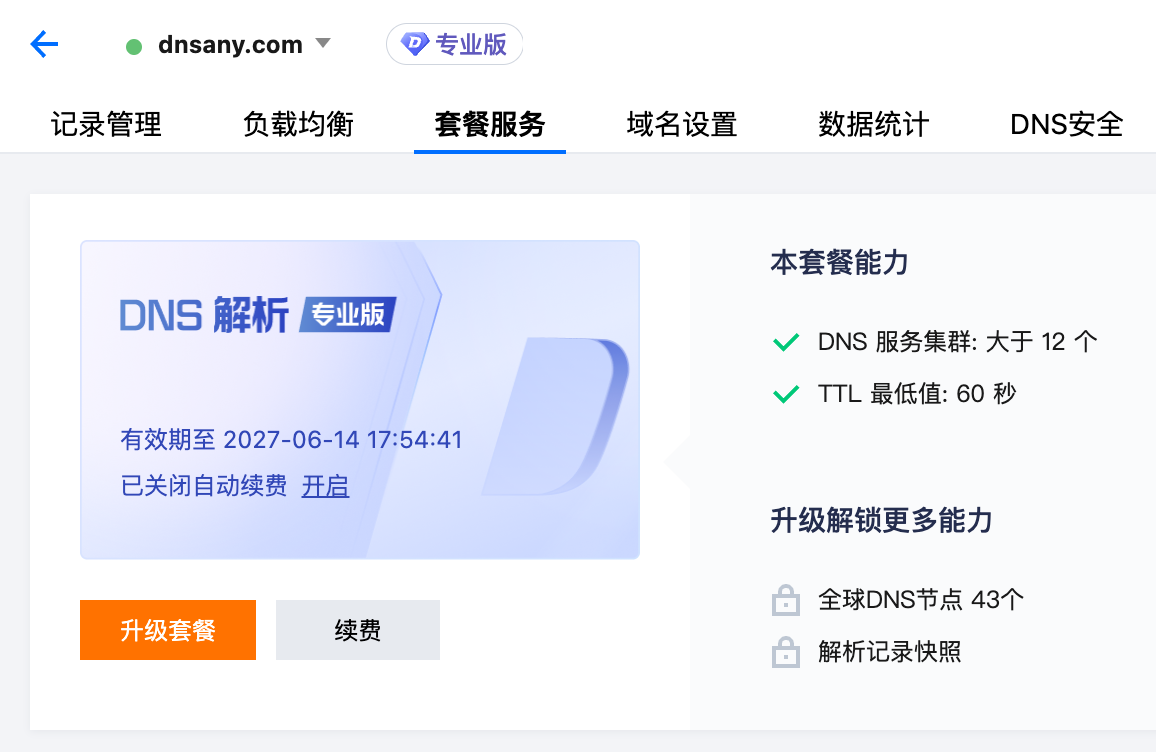
所以我这边购买了 dnsany.com 这个域名,定时同步中国移动 ott 域名在全国各个大区的 CDN 列表,按照大区分区域解析,用户只需要将域名映射到 dnsany.com 这个域名上,就可以一劳永逸地观看 iTV 平台直播,也不用担心 ip 失效。
声明: 禁止将 dnsany.com 域名使用在其他项目中,否则将停止解析。
目前 pixman/pixman 镜像已内置我整理过的 iTV 可用频道列表 (去掉了购物频道、低于 1080p、重复质量的频道),如果你有更高质量的 id 或者其他频道,可以在评论区回复,我将更新到镜像内置源里。
对于播放设备来说,需要将 iTV ott 的域名指向 dnsany.com 对应的域名,比较方便的方式是使用代理软件,因为系统默认的 hosts 格式必须是 ip 地址 {TAB} 域名 的形式,一般不会支持 域名 {TAB} 域名 这种别名的方式。除了使用代理软件,还有一些其他方式,我也列在帖子后面。
映射域名后,订阅链接就是 http://ip:port/itv.m3u,pixman 不会代理 ts 请求。
常见代理软件的配置方式
根据你实际情况来选择,如果下面没有列出某个软件,你可以在评论区回复我配置方式。
Ps: 不管任何代理软件,都需要将 dnsany.com 和 cmvideo.cn 这两个主域名列入直连分流,比如
DOMAIN-SUFFIX,cmvideo.cn,DIRECT
DOMAIN-SUFFIX,dnsany.com,DIRECT
Surge
文档: https://manual.nssurge.com/dns/local-dns-mapping.html
[Host]
cache.ott.ystenlive.itv.cmvideo.cn = pixman.io.ystenlive.dnsany.com
cache.ott.bestlive.itv.cmvideo.cn = pixman.io.bestlive.dnsany.com
cache.ott.wasulive.itv.cmvideo.cn = pixman.io.wasulive.dnsany.com
cache.ott.fifalive.itv.cmvideo.cn = pixman.io.fifalive.dnsany.com
cache.ott.hnbblive.itv.cmvideo.cn = pixman.io.hnbblive.dnsany.com
Clash Meta 内核 (OpenClash 等)
文档: https://wiki.metacubex.one/config/dns/hosts/
# 开启 TCP 并发连接可使用延迟最低的 CDN 节点
tcp-concurrent: true

use-hosts: true
hosts:
  cache.ott.ystenlive.itv.cmvideo.cn: pixman.io.ystenlive.dnsany.com
  cache.ott.bestlive.itv.cmvideo.cn: pixman.io.bestlive.dnsany.com
  cache.ott.wasulive.itv.cmvideo.cn: pixman.io.wasulive.dnsany.com
  cache.ott.fifalive.itv.cmvideo.cn: pixman.io.fifalive.dnsany.com
  cache.ott.hnbblive.itv.cmvideo.cn: pixman.io.hnbblive.dnsany.com
Shadowrocket (iOS 小火箭)
APP 首页底部配置页面,Hosts,新增 Host 映射,类型选择 本地值,域名填写 cache.ott.ystenlive.itv.cmvideo.cn,本地值填写 pixman.io.ystenlive.dnsany.com,保存,然后再次新增映射,总共五个域名都要映射一下,对应关系参考上面 Clash Meta 的配置
Quantumult X
[dns]
alias = /cache.ott.ystenlive.itv.cmvideo.cn/pixman.io.ystenlive.dnsany.com
alias = /cache.ott.bestlive.itv.cmvideo.cn/pixman.io.bestlive.dnsany.com
alias = /cache.ott.wasulive.itv.cmvideo.cn/pixman.io.wasulive.dnsany.com
alias = /cache.ott.fifalive.itv.cmvideo.cn/pixman.io.fifalive.dnsany.com
alias = /cache.ott.hnbblive.itv.cmvideo.cn/pixman.io.hnbblive.dnsany.com
修改 Hosts 文件
如果以上代理软件的方法全部不能使用,那可以直接将 IP 写入 Hosts 文件,最好是每个域名都找一个 ip 映射,命令类似
$ ping pixman.io.ystenlive.dnsany.com
从响应的 ip 里随便选一个,然后修改 Hosts 文件类似:
1.1.1.1  cache.ott.ystenlive.itv.cmvideo.cn
2.2.2.2  cache.ott.bestlive.itv.cmvideo.cn
3.3.3.3  cache.ott.wasulive.itv.cmvideo.cn
4.4.4.4  cache.ott.fifalive.itv.cmvideo.cn
5.5.5.5  cache.ott.hnbblive.itv.cmvideo.cn
这个方法有个缺点,就是 ip 可能会变化,如果一个 CDN ip 失效了,那只能修改 Hosts 为新的 ip
同时此方法也可用于非 Clash Meta 内核的 Clash 代理软件,配置文件类似:
hosts:
  cache.ott.ystenlive.itv.cmvideo.cn: 1.1.1.1
  cache.ott.bestlive.itv.cmvideo.cn: 2.2.2.2
  cache.ott.wasulive.itv.cmvideo.cn: 3.3.3.3
  cache.ott.fifalive.itv.cmvideo.cn: 4.4.4.4
  cache.ott.hnbblive.itv.cmvideo.cn: 5.5.5.5
以上就是三网通用的播放移动 iTV 平台的方法,Enjoy it ~